Voltage Checking with Sunshine DT17N Multimeter
A practical guide to measure voltage accurately on smartphone motherboards. Suitable for beginners and professional mobile service engineers.
1. What is Voltage?
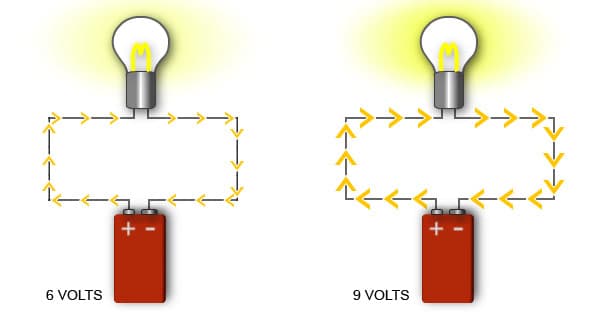
Voltage is the electrical pressure that pushes current through a circuit. In smartphones, it powers components such as CPU, display, charging IC, and memory chips.
- • Battery Voltage (3.7V – 4.2V)
- • Charging Line Voltage
- • IC Power Supply Voltage
- • Signal Line Voltage
2. How to Set Voltage Mode
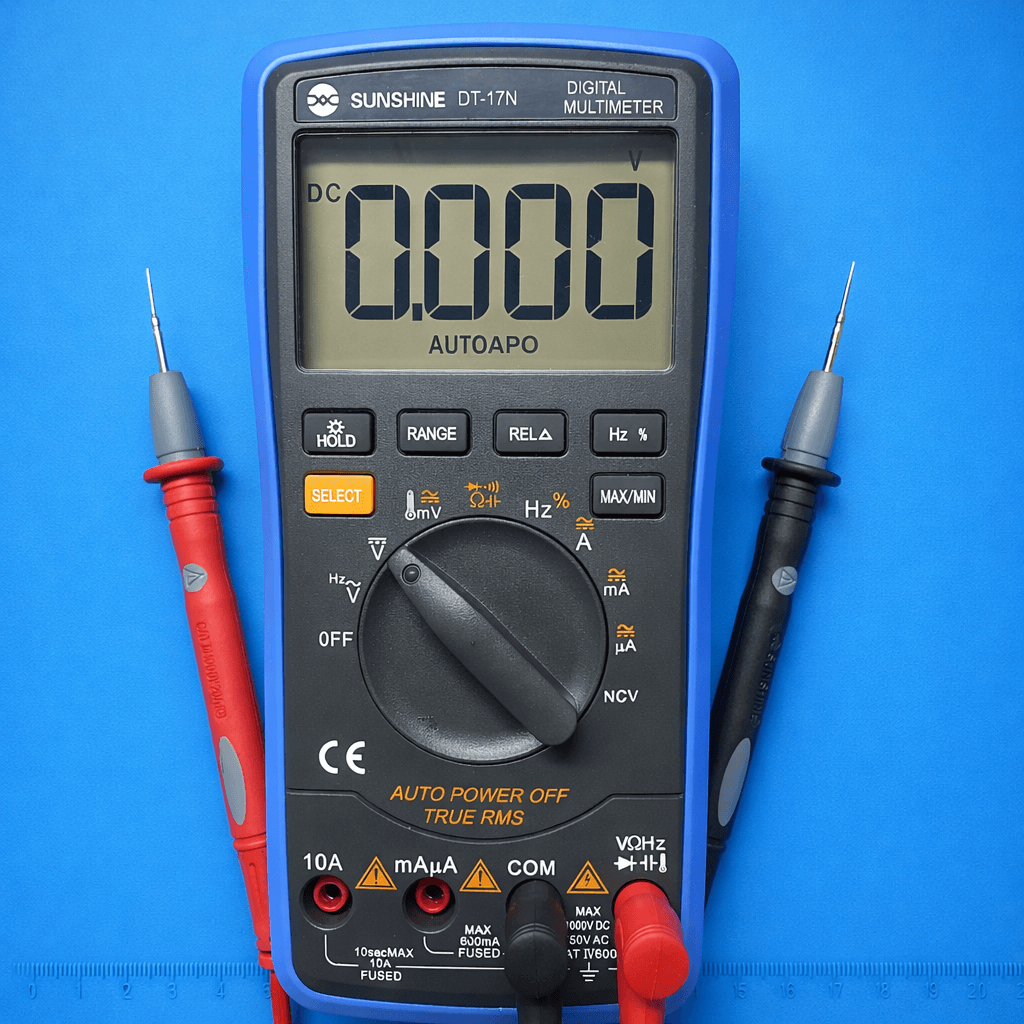
- 1. Turn the rotary switch to V⎓
- 2. Black probe → COM
- 3. Red probe → VΩ
- 4. Power ON the phone
3. Measuring Voltage on Smartphone Board
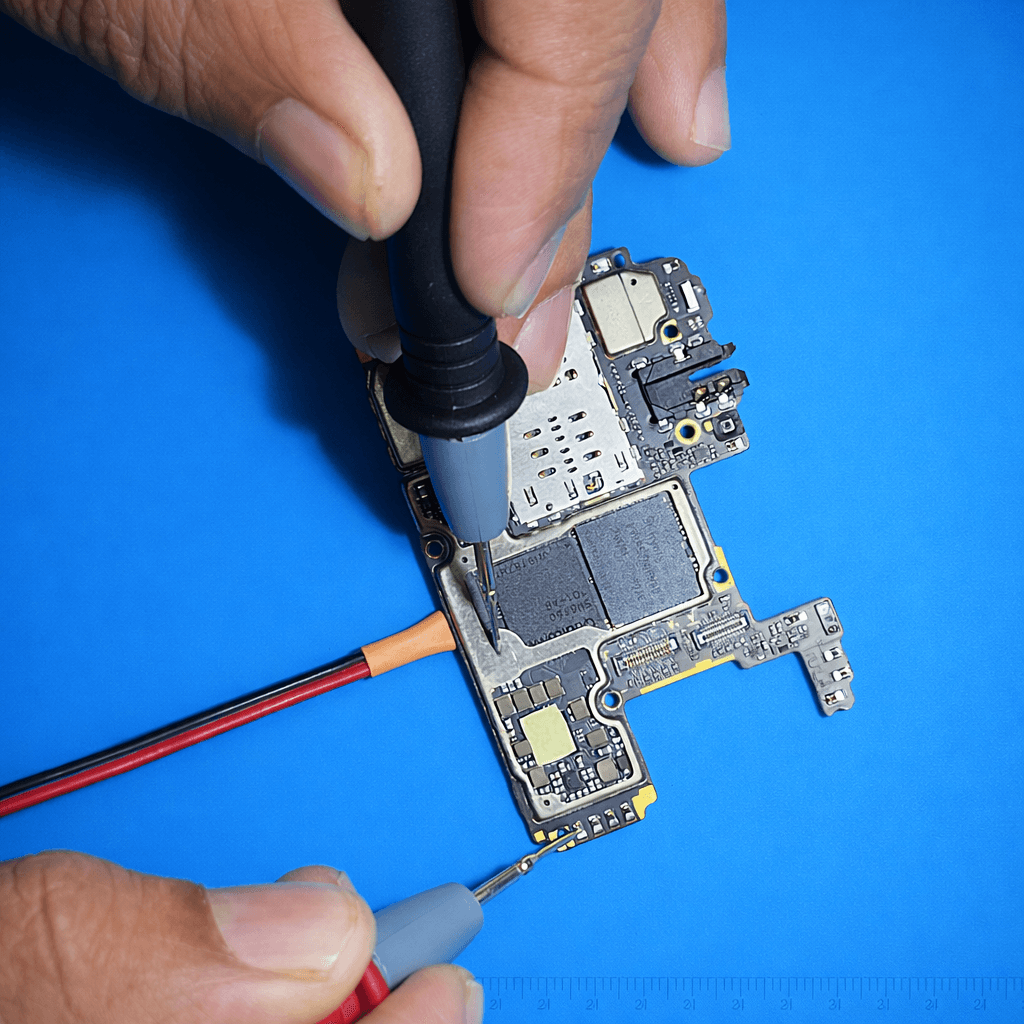
- • Black probe on GND (Ground)
- • Red probe on test point / connector pin
- • Observe the voltage value
- • Compare with standard values
4. Battery Voltage Checking
A normal lithium-ion battery should show between 3.7V – 4.2V.

- 1. Set multimeter to DC Voltage
- 2. Black probe → Negative (-)
- 3. Red probe → Positive (+)
- 4. Read the voltage value
Result Interpretation
- ✔ 4.0V – 4.2V → Fully charged
- ✔ 3.7V – 3.9V → Normal
- ⚠ 3.0V – 3.5V → Low
- ⚠ Below 3.0V → Deep discharge
- ✖ 0V → Protection active / Faulty
5. Common Voltage Values
| Line | Voltage | Purpose |
|---|---|---|
| VBAT | 3.7V – 4.2V | Battery supply |
| VPH_PWR | 3.8V – 4.0V | Main power |
| 1V8 | 1.8V | Logic supply |
Safety Tips
- • Never short two points with probes
- • Always use DC mode
- • Avoid touching metal probe tips
- • Disconnect battery when needed