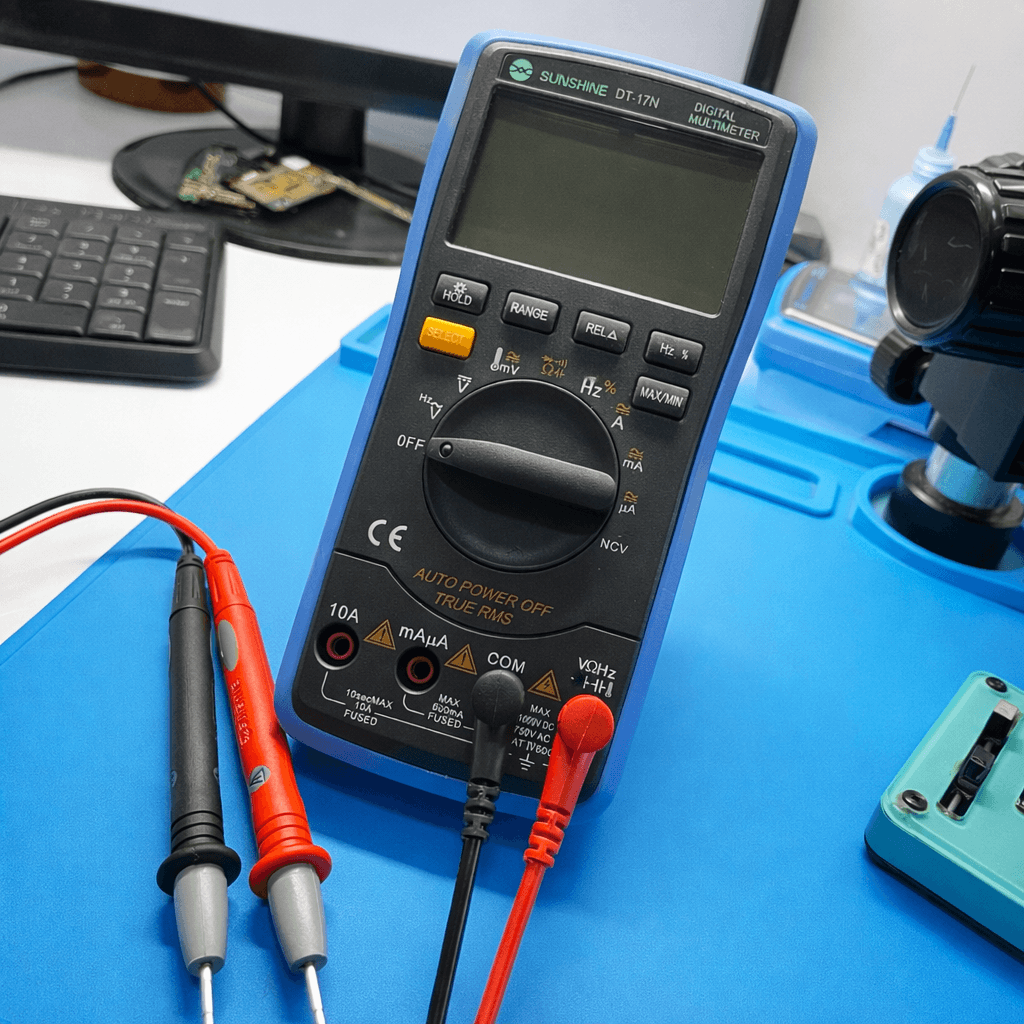
Temperature Checking with Sunshine DT17N Multimeter
Learn how to measure temperature on smartphone motherboards to identify overheating components, short circuits, and faulty ICs.
1. What is Temperature Checking?
Temperature checking helps detect components that heat up abnormally. Overheating often indicates short circuits, damaged ICs, or power leakage on smartphone motherboards.
- • Detect shorted ICs and capacitors
- • Locate power leakage
- • Prevent further board damage
- • Improve repair accuracy
2. Sunshine DT17N Temperature Mode

- • Supports °C and °F measurement
- • External temperature probe
- • Real-time temperature reading
- • High accuracy sensor
3. How to Set Temperature Mode
Use the °C temperature modetogether with the external probe.
- 1. Insert temperature probe into TEMP port
- 2. Turn rotary switch to °C
- 3. Power ON the phone
- 4. Touch probe to component surface
4. Measuring Temperature on Board
- • Touch probe on IC or capacitor
- • Observe temperature rise
- • Compare with nearby components
- • Identify abnormal heat source
5. Overheating Detection
Components that heat up rapidly usually indicate short circuits or internal damage.
- 1. Power ON the board
- 2. Check IC temperature
- 3. Find abnormal heat spots
- 4. Switch OFF immediately
Result Interpretation
- ✔ 30°C – 45°C → Normal working range
- ⚠ 50°C – 65°C → High load
- ✖ 70°C+ → Faulty component
- ⚠ Rapid heating → Short circuit
6. Common Overheating Causes
| Component | Issue | Result |
|---|---|---|
| Power IC | Internal short | No power ON |
| Capacitor | Leakage | Heating |
| CPU | Overload | Boot loop |
Safety Tips
- • Do not touch hot ICs directly
- • Switch OFF power immediately
- • Avoid prolonged heating
- • Use thermal protection if needed