SMD Resistor Checking Using Multimeter
Learn how to test Surface Mount Device (SMD) resistors on smartphone motherboards using a digital multimeter. Understand resistor value identification, measurement techniques, and common faults.
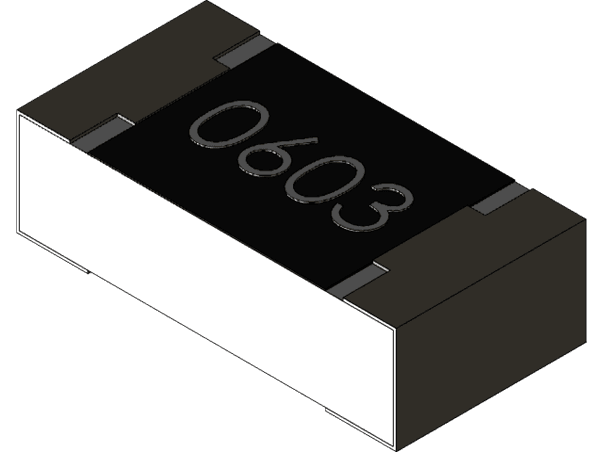
1. What is an SMD Resistor?
An SMD resistor is a small surface-mounted component used to control current flow, divide voltage, and protect ICs on smartphone circuit boards.
- • Limits current flow
- • Protects sensitive ICs
- • Used in signal and power lines
- • Controls voltage levels
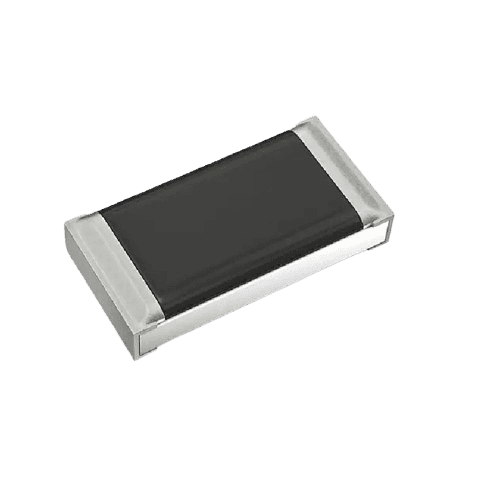
2. Identifying Resistor Value
SMD resistors use numeric codes to represent resistance values.
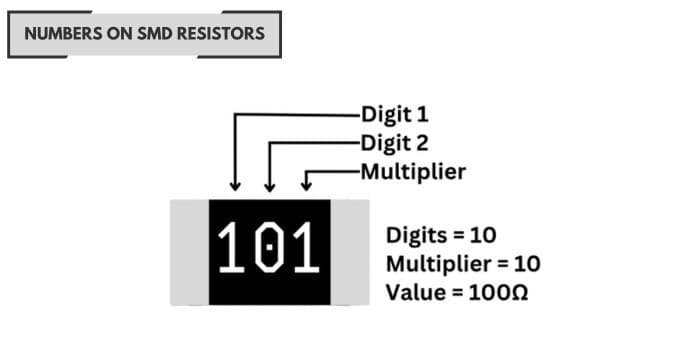
- • 102 → 1KΩ
- • 103 → 10KΩ
- • 472 → 4.7KΩ
- • 000 → 0Ω jumper
3. Setting Multimeter for Resistor Testing
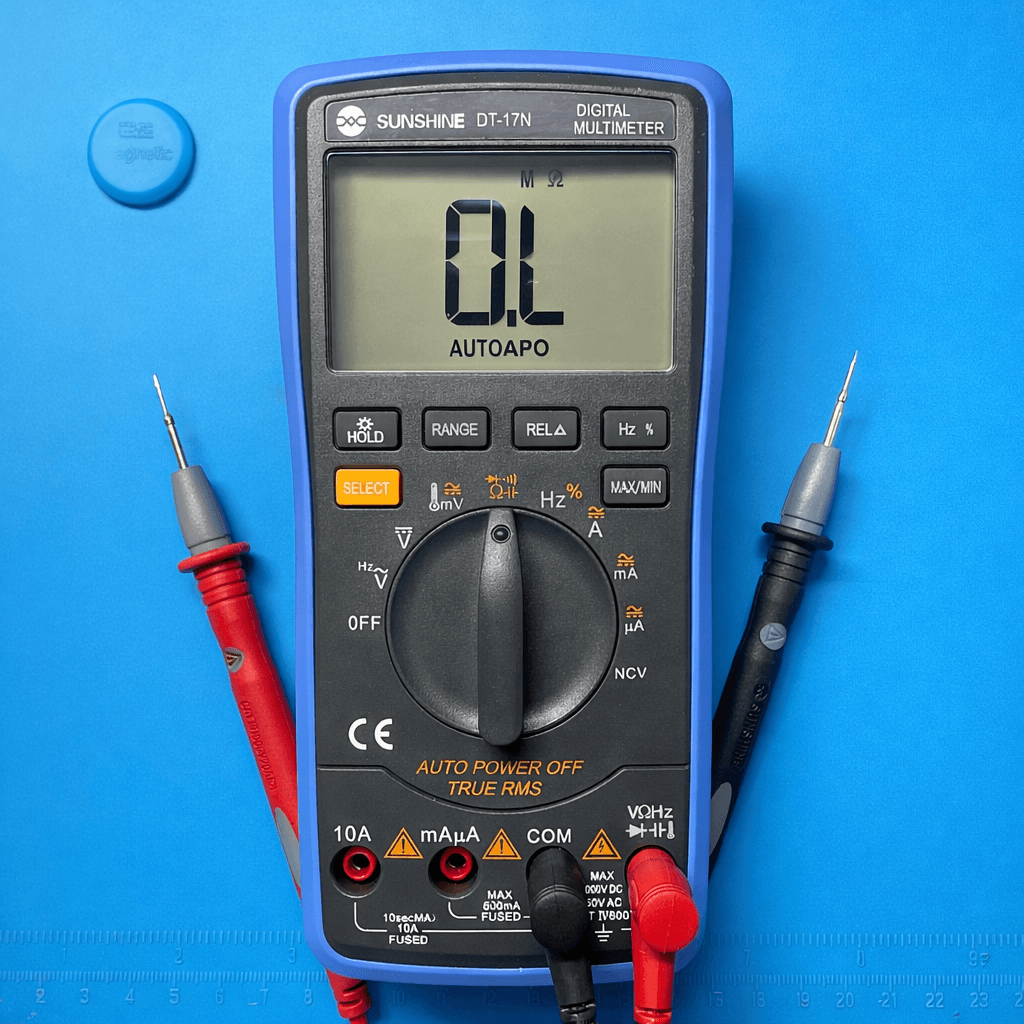
- 1. Set multimeter to Ω (Resistance)
- 2. Black probe → COM
- 3. Red probe → VΩ
- 4. Power OFF the board
4. In-Circuit Resistor Checking
In-circuit testing measures the resistor while it is still on the motherboard. The reading may vary due to parallel components.
- • Value may vary due to parallel components
- • Useful for quick fault detection
- • Measure both resistor terminals
5. Out-of-Circuit Resistor Checking
For accurate measurement, remove one side of the resistor from the board to eliminate interference from surrounding components.
- • True resistance value
- • No circuit interference
- • Recommended for precision repair
6. Common Resistor Faults
| Fault | Reading | Meaning |
|---|---|---|
| Open | OL / ∞ | Resistor broken |
| Short | 0Ω | Internal short |
| Drifted | Wrong value | Aging damage |
| Normal | Correct value | No issues |
Safety Tips
- • Always power OFF the board
- • Use fine probes
- • Avoid slipping probes
- • Wear ESD protection
7. Real Repair Example
Phone not charging? A damaged 10KΩ resistor in the USB signal line can block charging detection. Replacing the resistor restores charging functionality.
