SMD Diode Checking on Smartphone Motherboards
Learn how to test SMD diodes on smartphone motherboards using diode mode. This guide helps identify shorted, open, and healthy diodes during board-level diagnostics.
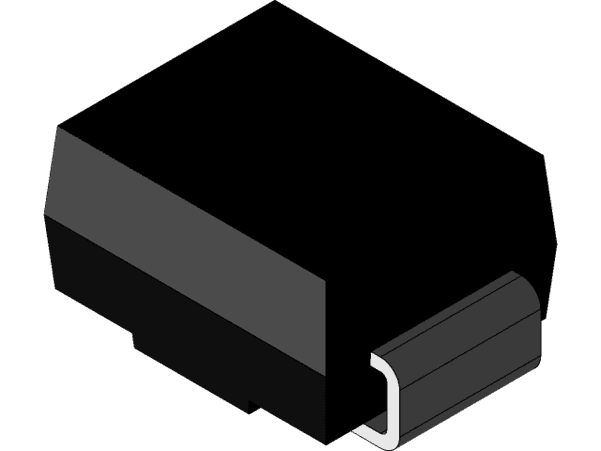
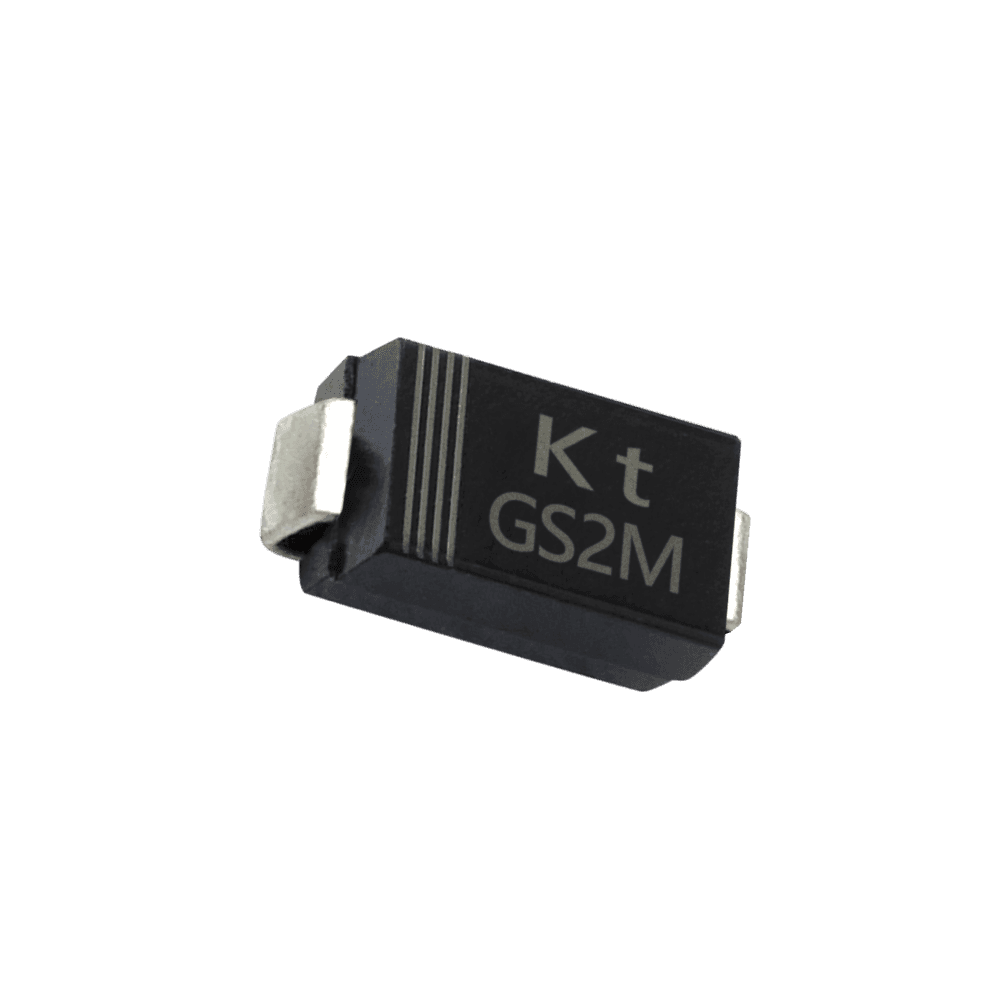
1. What is an SMD Diode?
A diode allows current to flow in only one direction. On smartphone motherboards, SMD diodes provide voltage protection, signal routing, and reverse polarity protection.
- • Current flows from Anode → Cathode
- • Blocks reverse current
- • Protects ICs from damage
- • Used in charging and data circuits
2. Setting Multimeter to Diode Mode
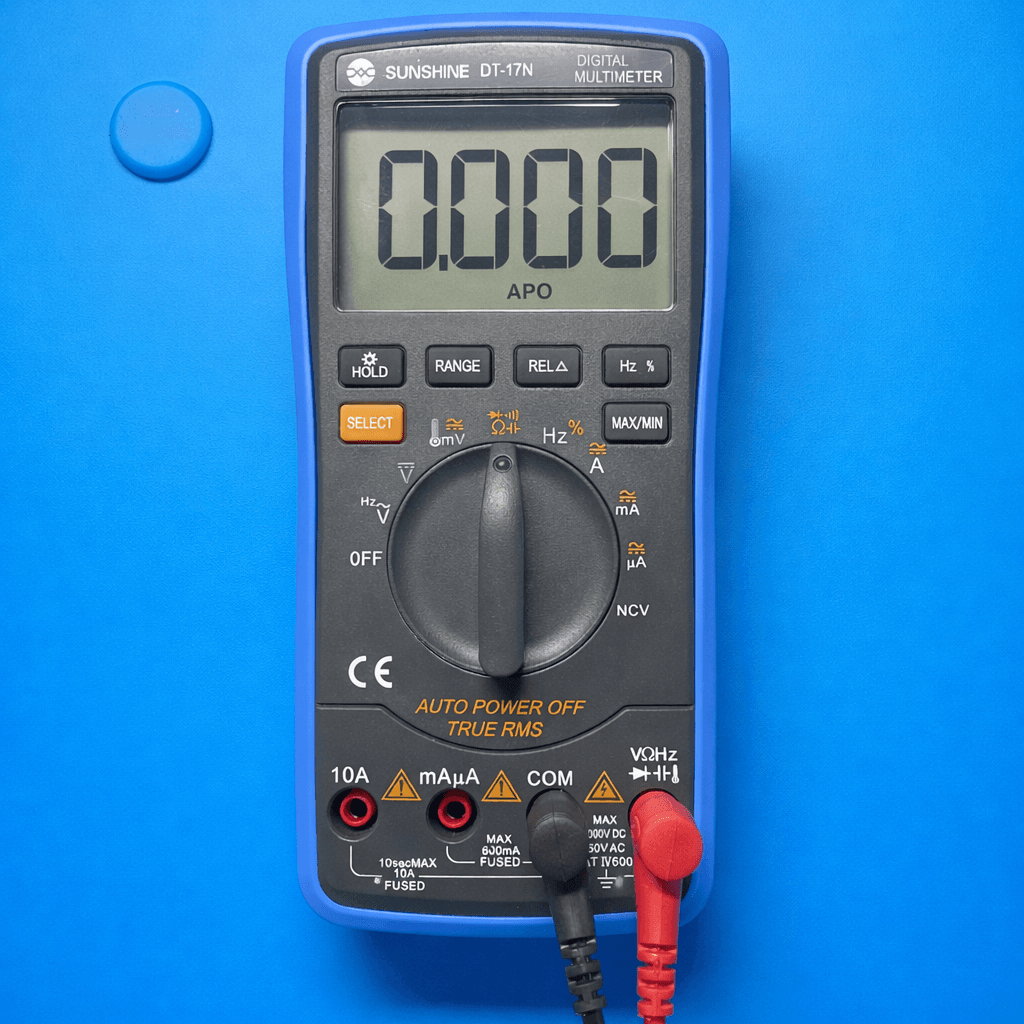
- 1. Turn rotary switch to Diode (➤|)
- 2. Use select button to choose diode mode
- 3. Black probe → COM
- 4. Red probe → VΩ
- 5. Ensure board is powered OFF
3. How to Test an SMD Diode
A healthy diode conducts in one direction and blocks current in the reverse direction.

- 1. Red probe → Anode
- 2. Black probe → Cathode
- 3. Reading should be 0.2V – 0.7V
- 4. Reverse probes → OL or no reading
4. Diode Result Interpretation
| Fault | Reading | Meaning |
|---|---|---|
| Normal | 0.2V – 0.7V (one direction) | Healthy diode |
| Short | 0.000 both sides | Faulty diode |
| Open | OL both sides | Damaged diode |
5. Common Diode Faults in Smartphones
- • Phone not charging
- • USB not detected
- • Overheating near diode
- • No voltage reaching IC
Safety Tips
- • Always test with board powered OFF
- • Use sharp probes for SMD components
- • Avoid shorting diode terminals
- • Remove battery before testing
6. Real Repair Example
Phone showing “Charging but battery not increasing”? A diode near the charging IC was found shorted during diode testing. Replacing the faulty diode restored normal charging.
