SMD Capacitor Checking on Smartphone Motherboards
Learn how to identify, test, and diagnose SMD capacitors using a digital multimeter. This guide explains continuity testing, resistance behavior, and practical troubleshooting methods used in smartphone repair.
1. What is an SMD Capacitor?
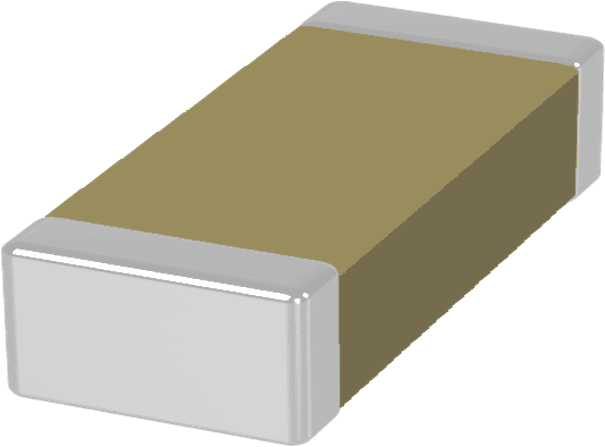
SMD capacitors store and release electrical energy. In smartphone motherboards they are used to stabilize voltage, filter noise, and smooth power supply lines.
- • Used in power supply lines
- • Filters electrical noise
- • Protects circuits from voltage spikes
- • Usually connected to ground
2. Identifying Capacitors on a Mobile Board

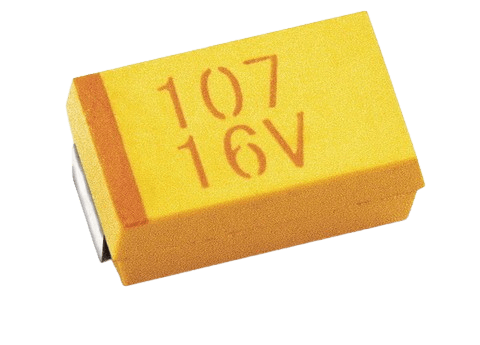
- • Small rectangular components
- • Usually beige or light brown
- • No printed value on body
- • Located near power ICs and PMIC
3. Checking Capacitors Using Continuity Mode
Continuity testing helps detect shorted capacitors that are directly connected to ground lines.
- 1. Set multimeter to continuity mode (🔔)
- 2. Black probe → first terminal
- 3. Red probe → second terminal
- 4. Beep indicates faulty capacitor
4. In-Circuit vs Out-of-Circuit Testing
- • In-circuit testing is faster but may show false readings
- • Out-of-circuit testing gives accurate results
- • Remove capacitor if measurement is unclear
- • Recheck after removal
5. Common Capacitor Faults
| Fault | Reading | Meaning |
|---|---|---|
| Short | Constant beep / 0Ω | Damaged capacitor |
| Open | No reading / OL | Fully charged capacitor |
| Normal | Resistance rises | Capacitor is charging |
Safety Tips
- • Disconnect battery before testing
- • Never test powered boards
- • Use fine probes for SMD components
- • Handle capacitors carefully
6. Real Repair Example
Phone not powering ON? A short circuit on the main power line may be caused by a damaged capacitor near the PMIC. Replacing the faulty capacitor restores normal operation.
